Best Windows laptops for video editing in 2026
Windows laptops with NVIDIA GPUs are the only option when you need CUDA: Topaz Video AI, Magic Mask, Windows-exclusive Adobe plugins, or DaVinci Resolve workflows that depend on NVIDIA acceleration. The RTX 5070 Laptop is the reference in 2026.
Best Windows laptops for video editing
NVIDIA GPU with CUDA: the requirement for Topaz Video AI, NVENC in Premiere and acceleration in DaVinci Resolve.
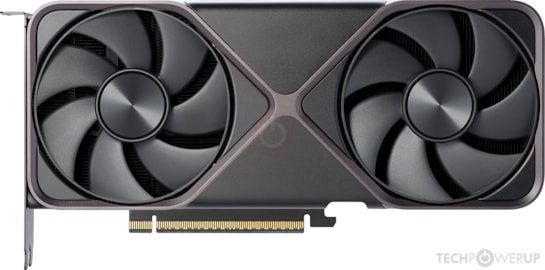
Portátil RTX 5070 Laptop
Best CUDA valueRTX 5070 Laptop · CUDA · DaVinci Resolve · Topaz Video AI · Windows-exclusive plugins
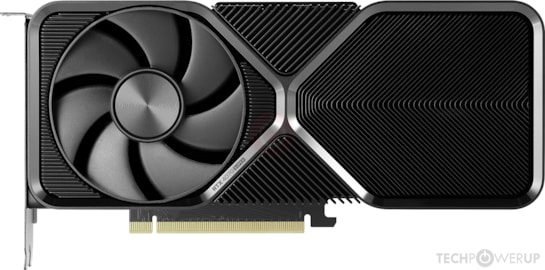
Portátil RTX 4070 Laptop
Mid-rangeRTX 4070 Laptop · 8 GB VRAM · 4K H.264 and H.265 in Premiere · accelerated NVENC
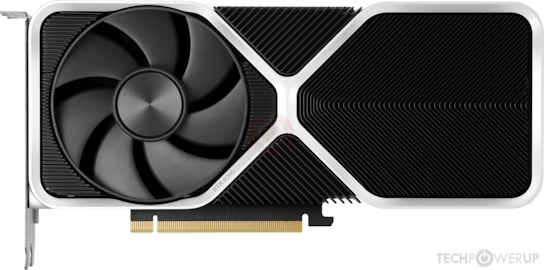
Portátil RTX 4060 Laptop
Entry levelRTX 4060 Laptop · 8 GB VRAM · 1080p–4K editing · access to the full CUDA ecosystem
When should you choose a Windows computer over a Mac for video editing on a laptop?
- ✓
Topaz Video AI and CUDA-exclusive plugins
Topaz Video AI requires NVIDIA CUDA to work correctly. On Mac it works with Metal but at a much lower speed. If you use intensive upscaling or denoising, Windows with RTX is the only real option.
- ✓
Adobe Premiere Pro with NVENC and CUDA
NVENC-accelerated export in Premiere Pro is faster on RTX than the Mac Media Engine for most H.264 and H.265 formats. If Premiere is your main tool, RTX wins.
- ✓
Full compatibility with the Windows ecosystem
Plugins, codecs, corporate workflows and specialist software that has no macOS version. An RTX laptop guarantees compatibility with any tool on the market.