Best Windows PCs for programming in 2026
A Windows desktop PC is the best choice if you combine programming with local AI, use CUDA with PyTorch or TensorFlow, or simply prefer the Windows ecosystem with WSL2. With a good NVIDIA GPU and 32 GB of RAM, you get a no-compromise development machine.
When to choose Windows over Mac for programming?
Windows with an NVIDIA GPU is irreplaceable for local AI and Machine Learning with CUDA. It also wins if you build Windows applications, need more RAM (64–128 GB of DDR5 without the price shooting up), or want the best price for raw CPU performance. For web or iOS development, a Mac is more convenient.
GPUs for web and backend development
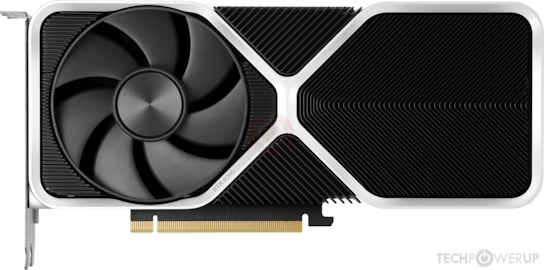
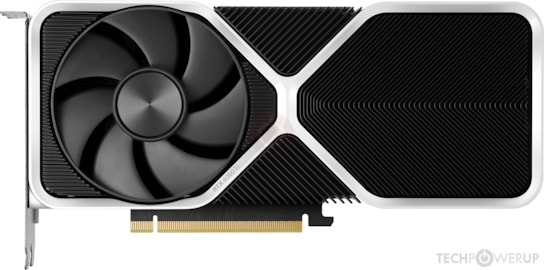
For standard web development the GPU barely matters — what counts is a fast CPU, an NVMe SSD and plenty of RAM. These options cover any workflow that doesn’t need GPU compute.
GPUs for local AI and Machine Learning
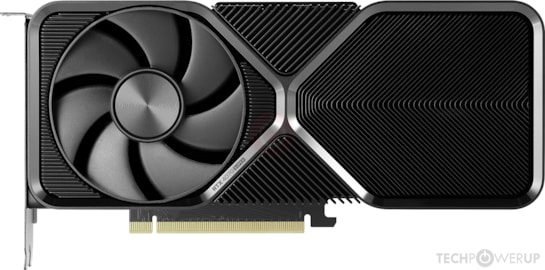
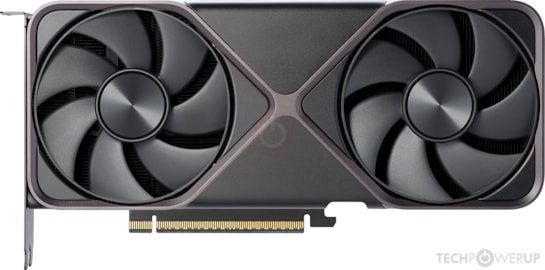
If on top of development you use PyTorch, TensorFlow or run local LLMs with Ollama, you need a GPU with more VRAM and mature CUDA support. These are the best options in 2026.
Windows PC build for programming
Sensible minimum
- • Ryzen 5 7600 or Intel i5-14600K
- • 16 GB DDR5
- • RTX 4060 8 GB
- • 1 TB NVMe Gen4
2026 sweet spot
- • Ryzen 7 7700 or Intel i7-14700
- • 32 GB DDR5
- • RTX 4070 Super 12 GB
- • 2 TB NVMe Gen4
Serious local AI
- • Ryzen 9 7900X or Intel i9-14900K
- • 64 GB DDR5
- • RTX 5070 12 GB
- • 2 TB NVMe + 4 TB HDD
WSL2: Windows’ Unix
WSL2 (Windows Subsystem for Linux 2) turns any Windows PC into a first-class Unix development machine. You can run Ubuntu, Debian or any distribution directly, with full access to the Windows file system and to the GPU through CUDA. Integration with VS Code via the Remote - WSL extension is seamless: the editor runs on Windows but executes your code on Linux.
For Docker, WSL2 is the recommended backend on Windows and delivers performance comparable to native Linux. If your workflow is containers, shell scripts and Node or Python servers, developing on Windows with WSL2 in 2026 is practically identical to Linux.
Frequently asked questions
What GPU do I need for programming with Docker and WSL2?
For standard web development and Docker without GPU compute, any modern GPU with 8 GB of VRAM works perfectly — the RTX 4060 is more than enough. The GPU only matters if you also do local AI with PyTorch/CUDA: then you need at least 12 GB of VRAM (RTX 4060 Ti 16 GB or RTX 4070 Super).
Is Mac or Windows better for programming in 2026?
For web, backend and Python development, both work equally well. The Mac wins on portability, energy efficiency and native Unix without WSL2. Windows wins on local AI with CUDA, gaming and price for raw specs. If you don’t need CUDA and don’t build for iOS, an M5 Mac is the most convenient option for most developers.
How much RAM does a Windows PC for programming need?
16 GB of DDR5 is the comfortable minimum in 2026. With 16 GB you can run VS Code, several Docker containers, a browser with 20 tabs and your dev server without problems. 32 GB is recommended if you run many containers at once or local AI models. 64 GB only if you fine-tune large models.
Which processor should I choose for a programming PC?
A Ryzen 7 7700 (8 cores) or Intel Core i7-14700 (20 cores) covers 99% of cases. For massive Rust or C++ builds or very large projects, the Ryzen 9 7900X (12 cores) makes a difference. Day to day, the processor matters less to a developer than RAM and NVMe storage.