Best Windows desktop PCs for video editing in 2026 RTX 4070 Super · RX 9070 XT · RTX 5080 · DaVinci Resolve · Premiere Pro
For video editing on a Windows desktop, the GPU is the most important component: VRAM for real-time previews, CUDA/ROCm for effects acceleration and codecs. An RTX 4070 Super with 12 GB VRAM is the optimal price/performance point in 2026.
Best Windows computers for video editing
Each build is optimised for a different production level: from daily 4K editing to 8K projects, VFX and GPU-intensive renders.
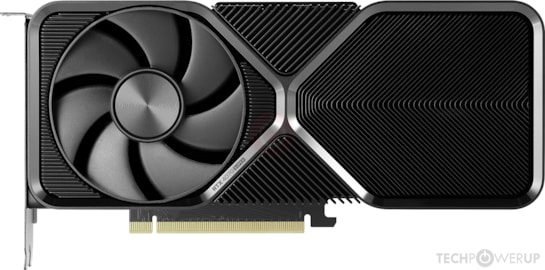
PC RTX 4070 Super · edición estándar
Optimal pointRTX 4070 Super · 12 GB VRAM · smooth DaVinci Resolve and Premiere in 4K H.265
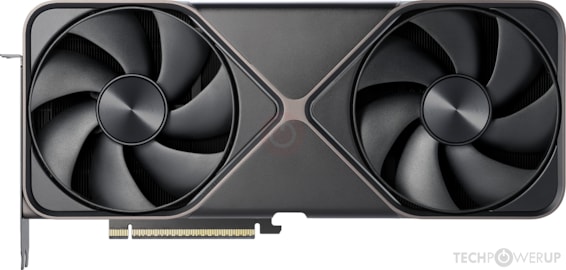
PC RTX 5080 · producción avanzada
High productionRTX 5080 · 16 GB VRAM · 8K RAW in DaVinci · intensive After Effects · Blender GPU
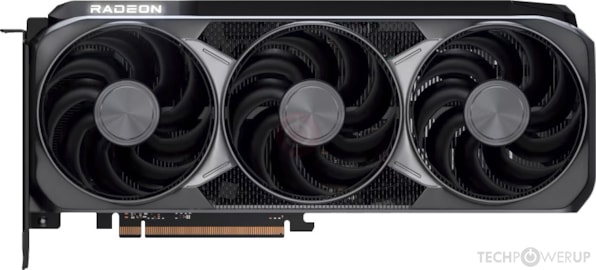
PC RX 9070 XT · alternativa AMD
AMD ROCmRX 9070 XT · 16 GB VRAM · DaVinci Resolve with ROCm · better price than equivalent NVIDIA
Which GPU to choose for editing on Windows?
VRAM: the critical factor
In video editing, VRAM determines how many streams you can preview in real time and the size of the projects you can handle. 12 GB (RTX 4070 Super) is sufficient for 4K H.265 with effects. 16 GB (RTX 5080, RX 9070 XT) is the recommended minimum for 8K or projects with many layers in After Effects.
NVIDIA CUDA vs AMD ROCm
NVIDIA CUDA is the standard in post-production: Topaz Video AI requires it, Premiere and DaVinci prefer it for NVENC/NVDEC. AMD ROCm works well in DaVinci Resolve Studio but with limited compatibility for other plugins. If you rely on Topaz Video AI or third-party plugins, NVIDIA is the safe choice.