Best Windows PCs for everyday use in 2026
A modern Windows desktop handles office work, video calls, streaming and remote work with ease. The key in 2026 is not spending more but choosing well: a good processor, 16 GB of DDR5 RAM and a fast NVMe SSD make more difference day to day than an expensive GPU.
When to choose a desktop over a laptop?
A desktop wins on price per performance, ease of upgrading and ergonomics. If you always work in the same place, a desktop with an external monitor is more comfortable and lasts longer. If you need mobility, a Windows laptop or a MacBook is the logical choice.
Entry-level and mid-range options
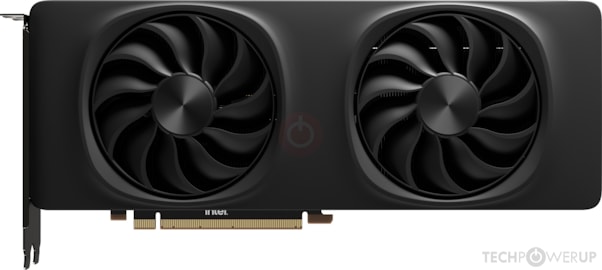
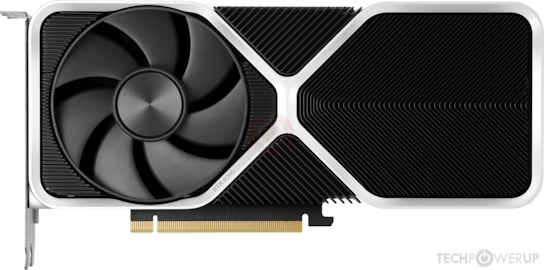
For everyday use without gaming, these GPUs offer 4K hardware decoding, AV1 support and more than enough graphics power for any office or entertainment task.
Everyday use + occasional gaming
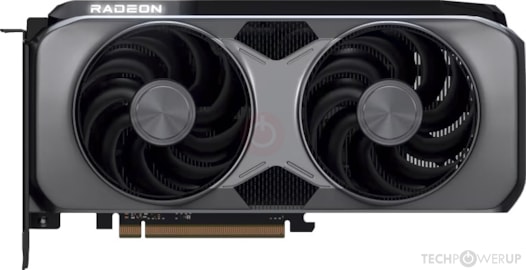
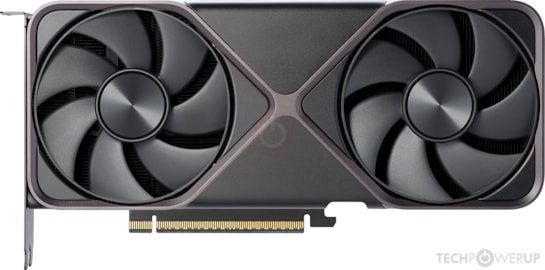
If besides working you want to game now and then — with no competitive ambitions — these options combine everyday performance with real gaming capability, no need for two computers.
What matters (and what doesn’t) in an everyday PC
Matters
- ✓ 16 GB DDR5 — the minimum for 20 tabs + Teams + Word
- ✓ Fast NVMe SSD — boot times and app launches depend on it
- ✓ AV1 hardware decoding — 4K YouTube and Netflix without stutter
- ✓ A quality monitor — more visual impact than the PC inside
Matters less
- ✗ High-end GPU — an Arc B580 decodes 4K just like an RTX 5080
- ✗ 16-core CPU — for office work, 6–8 cores are more than enough
- ✗ More than 32 GB of RAM — unless you do video editing or local AI
Frequently asked questions
What GPU does an everyday PC need in 2026?
For office work, video calls, streaming and remote work, any modern GPU with 8 GB of VRAM is more than enough. The Intel Arc B580 (12 GB VRAM) offers the best value in 2026 for pure everyday use. If you also game occasionally, the RTX 4060 or RTX 5070 add gaming capability without stretching the budget much.
Windows PC or Mac for everyday use at home?
For standard home use, Windows offers more flexibility and hardware options. The Mac wins on energy efficiency, built-in display quality and software longevity. If you already have Windows peripherals (mouse, keyboard, monitor), sticking with Windows is the most convenient option. If you want simplicity and do little maintenance, a Mac mini M6 or an iMac is worth considering.
How much power does a modern desktop PC use?
A modern everyday PC (with a mid-range GPU such as the Arc B580 or RTX 4060) draws 80–150 W in normal use and 200–300 W under full load. Desktop Macs draw 25–35 W for the same tasks, which is a meaningful saving if the computer stays on for many hours. For heavy gaming, the gap narrows.
Does an everyday PC need a dedicated graphics card?
Not strictly. Modern processors with integrated graphics (Intel UHD, AMD Radeon 780M) handle office work, 4K video calls, streaming and browsing perfectly. A dedicated GPU makes sense if you occasionally edit photos or video, game even casually, or connect two high-resolution monitors. For office work and remote work alone, integrated graphics are enough in 2026.